How it works
One request, start to finish
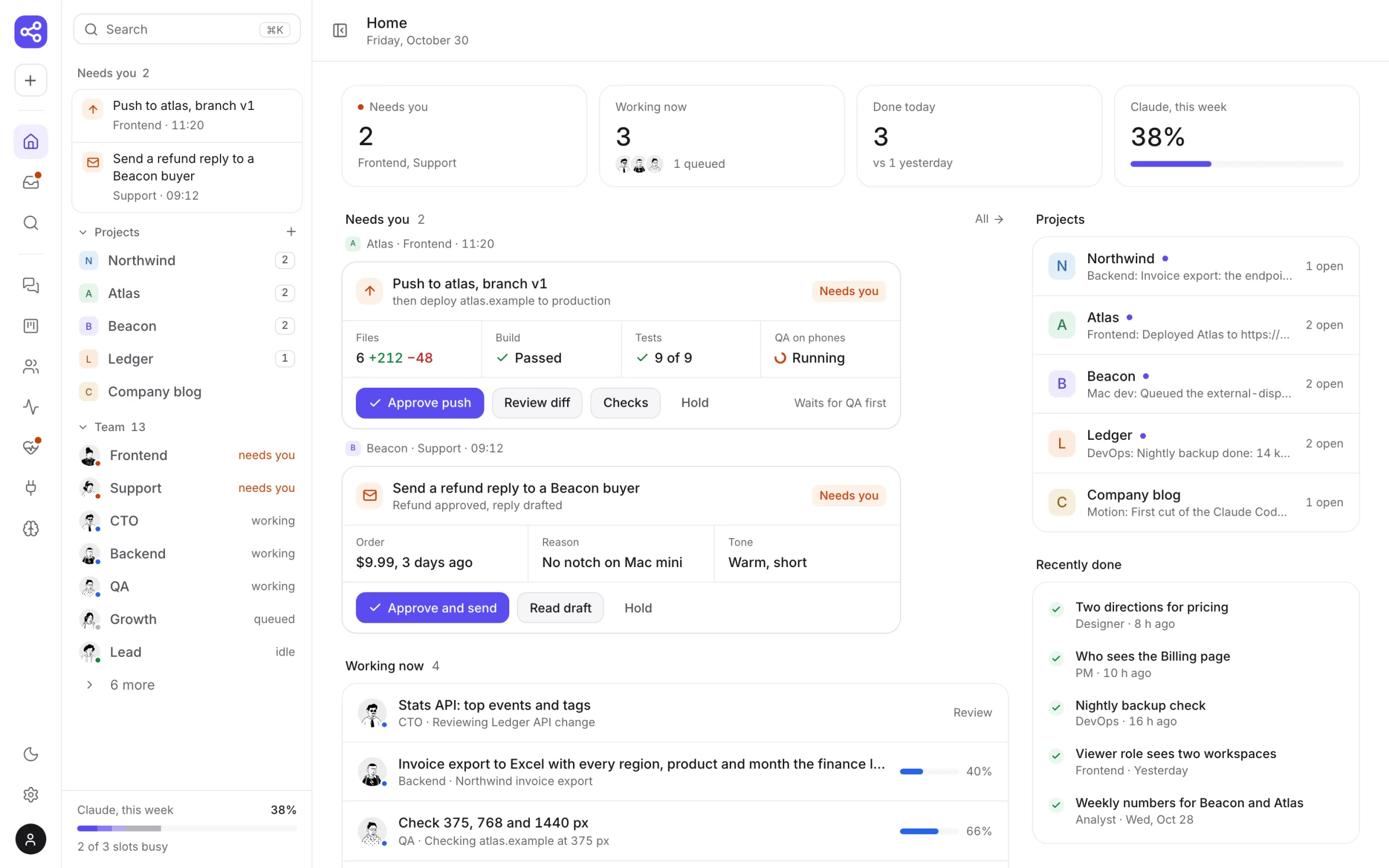
This is the real panel, not a mock-up. Follow one change from your message to the push.
-
1
You ask, in plain words
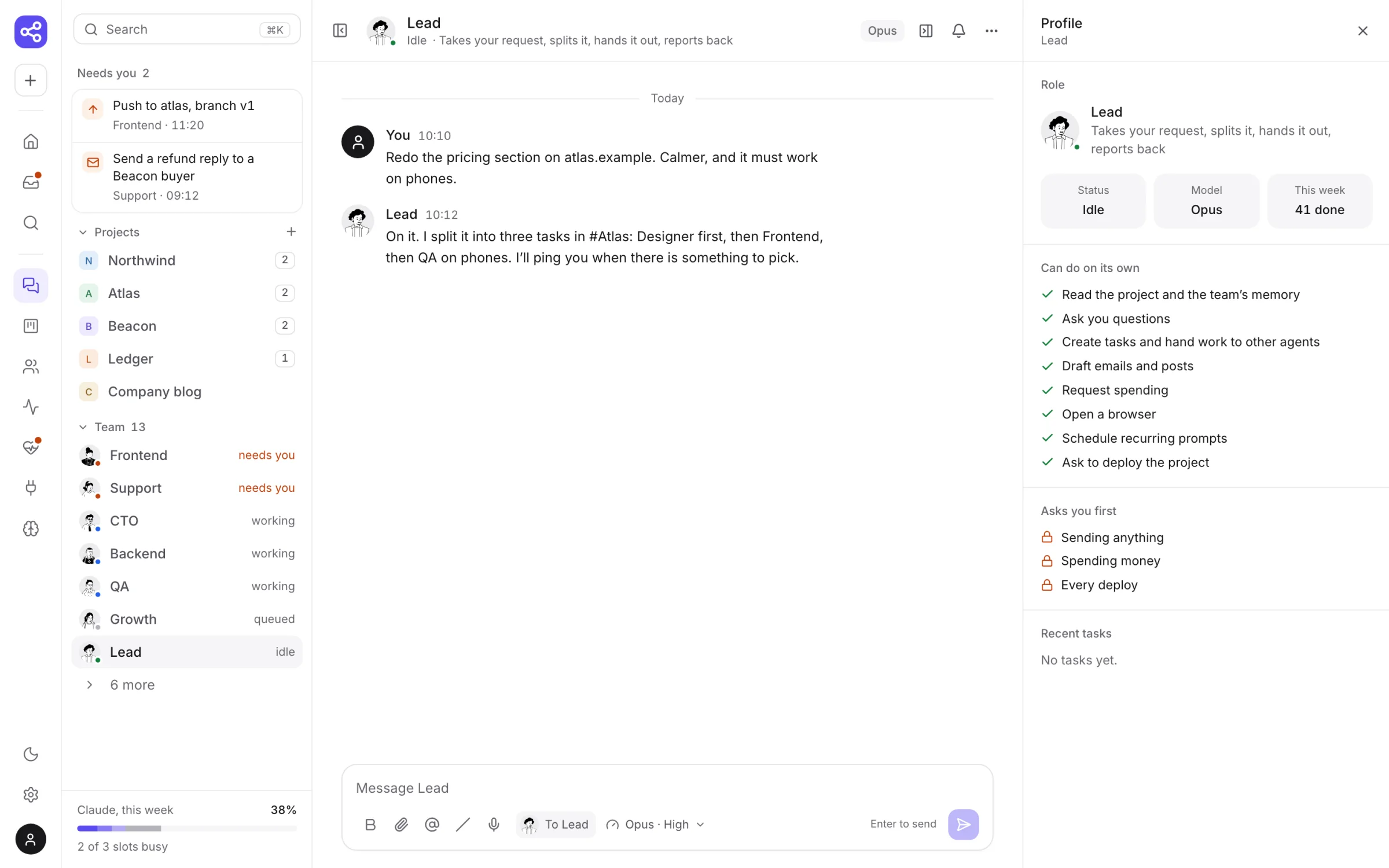
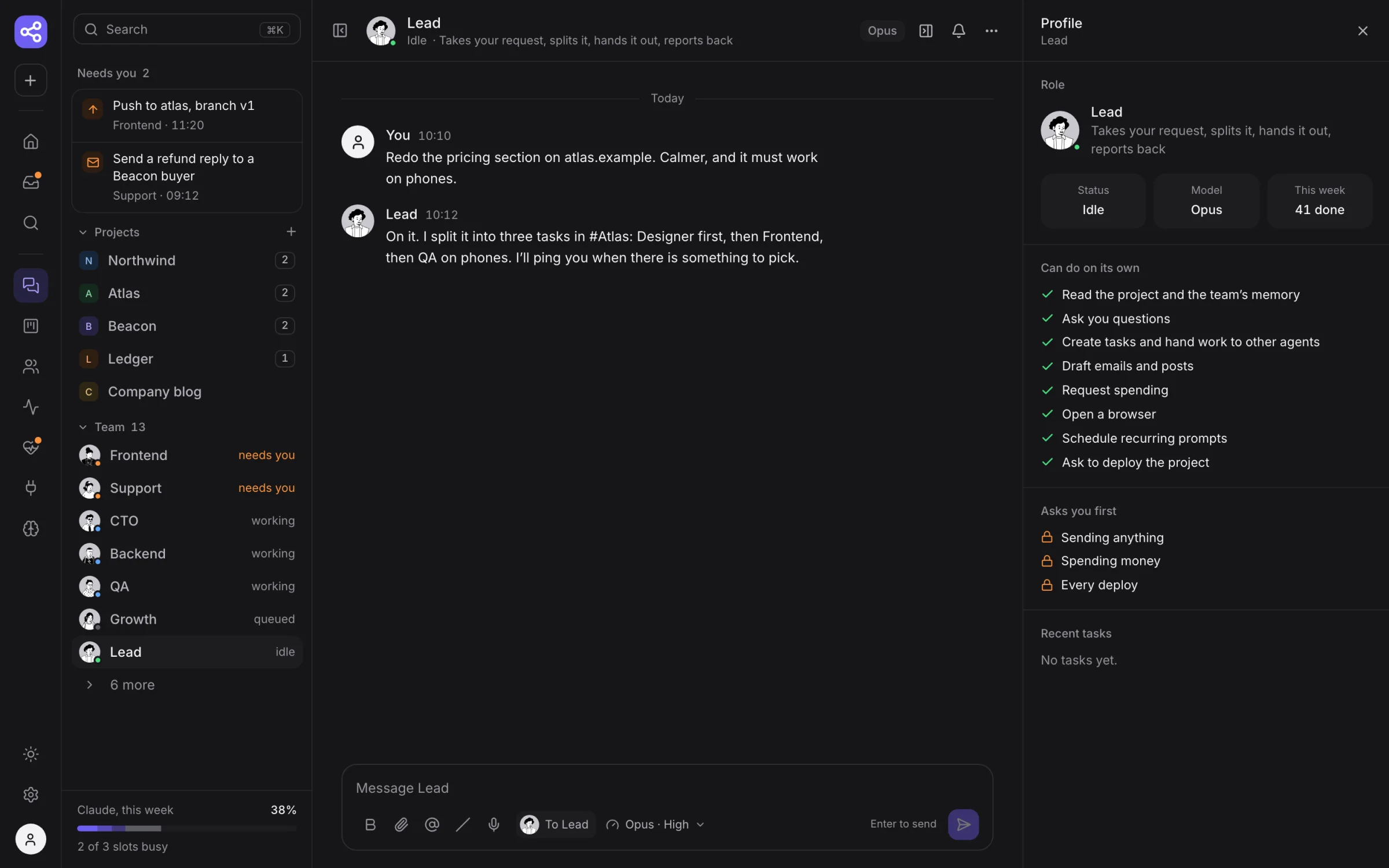
Tell Lead what you want, in a project chat or a direct message. It splits one request into tasks for the right agents and tells you who does what.
-
2
The team gets to work
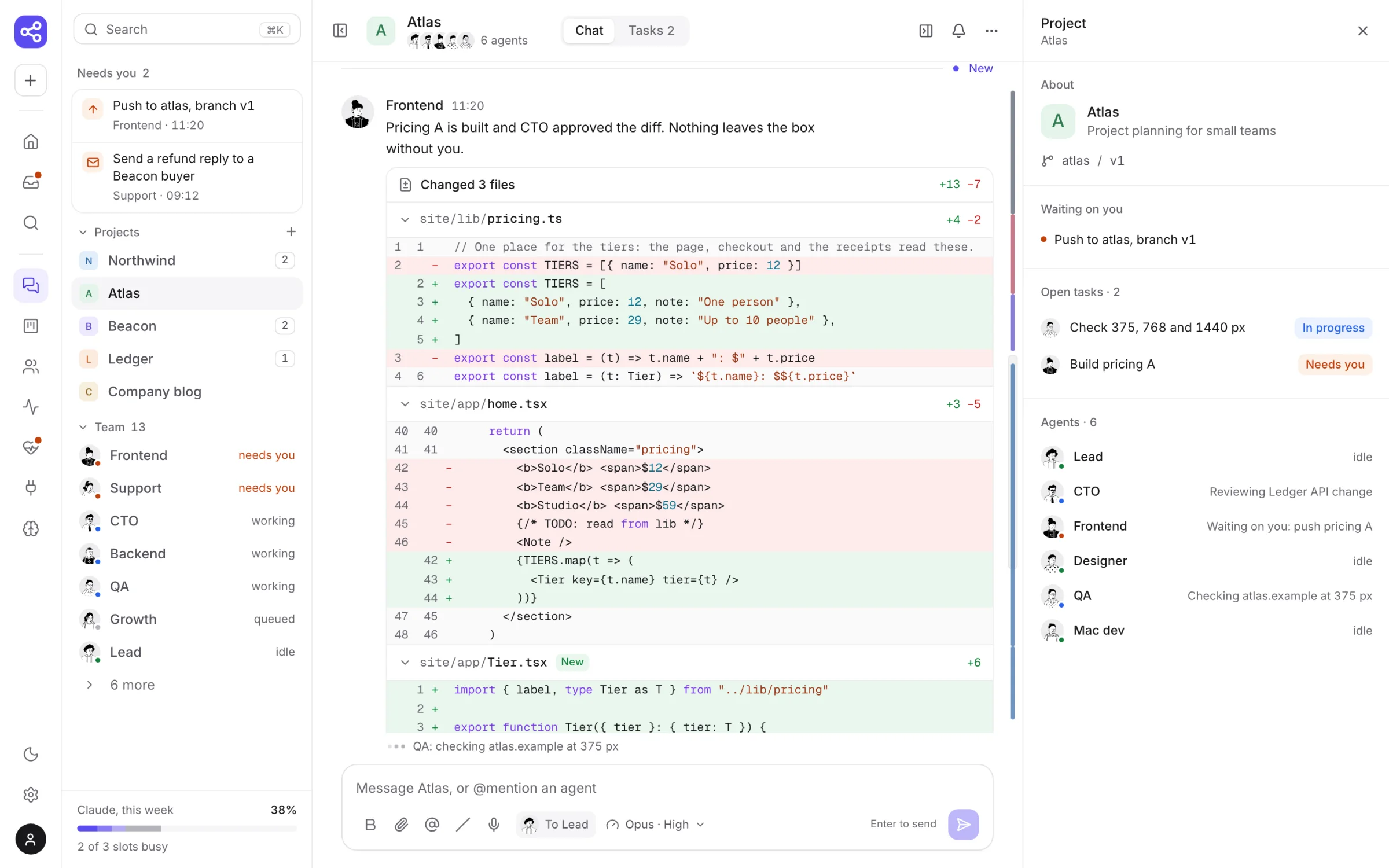
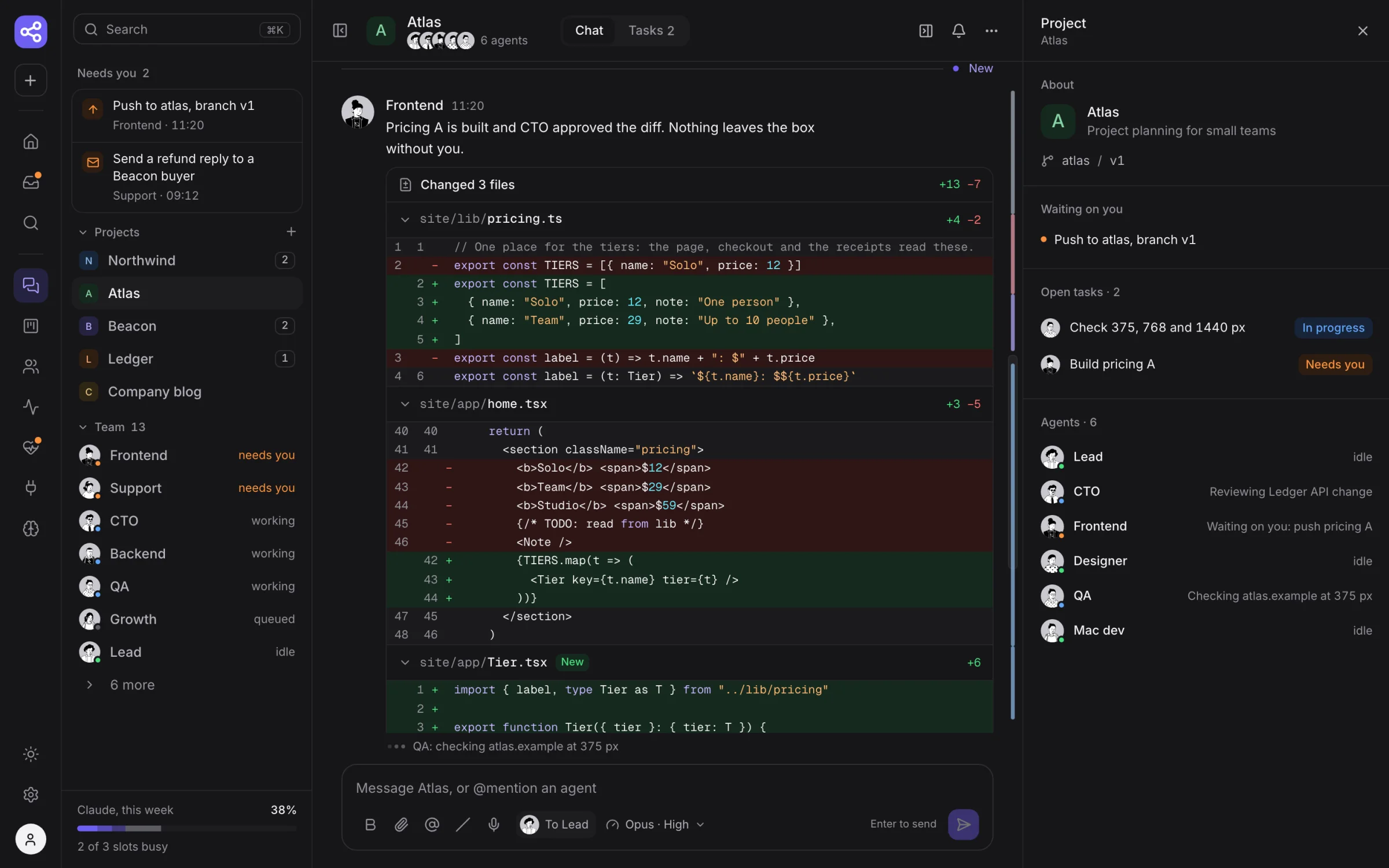
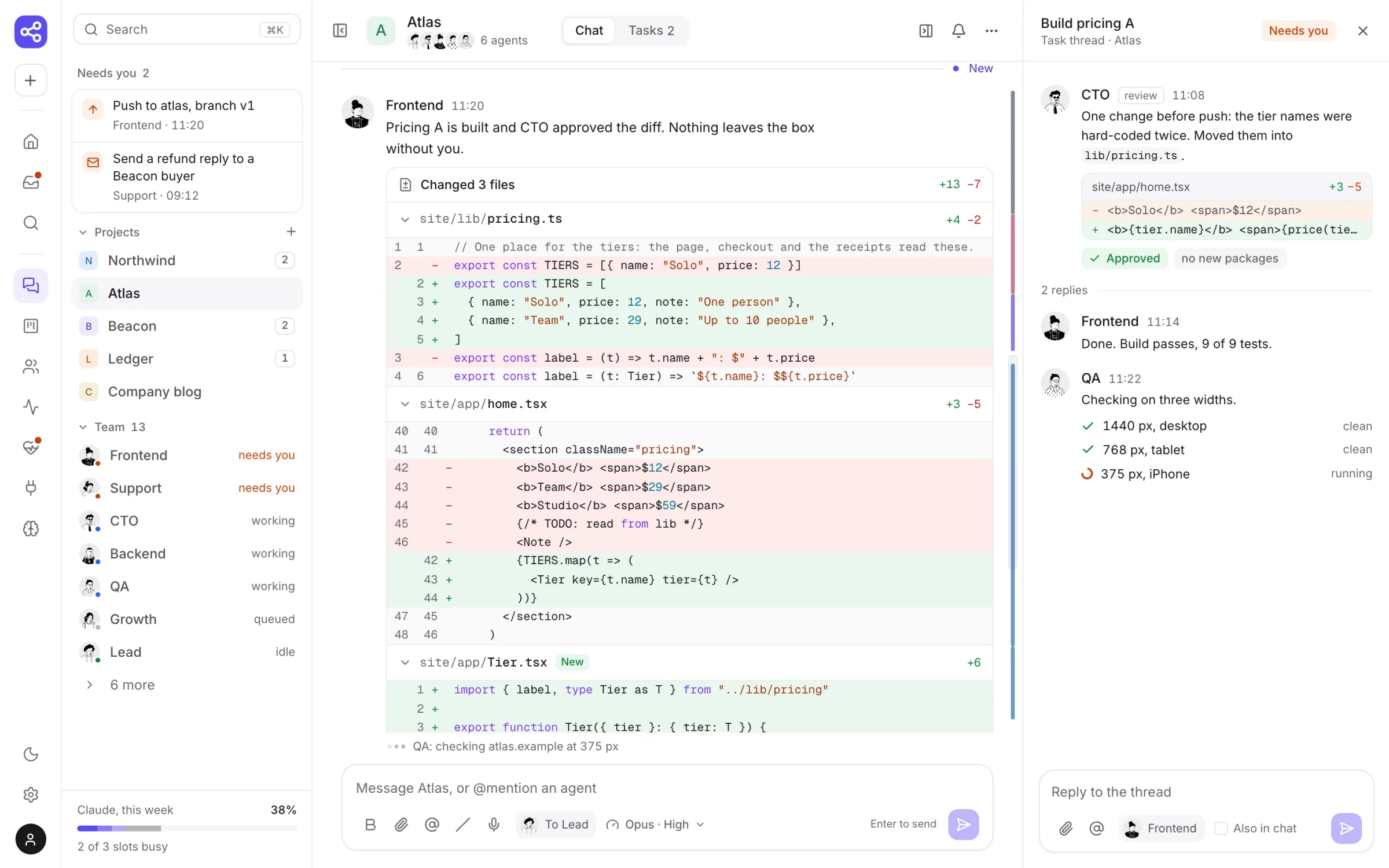
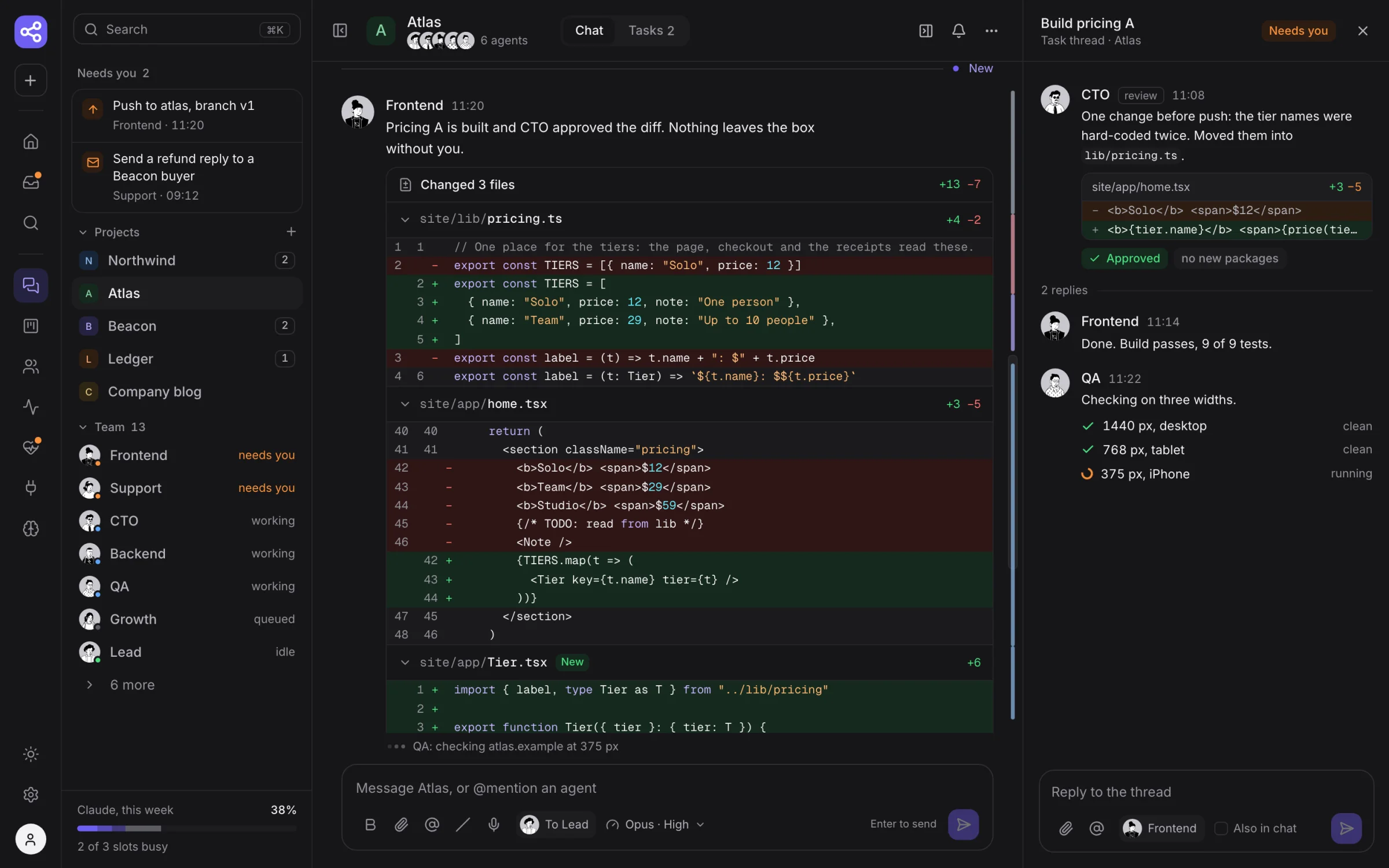
Each agent works on a branch in its own sandbox. You see what every agent is doing right now, and each file it changes, line by line.
-
3
Agents check each other
CTO reviews the diff before anything is pushed. QA opens the site in a real browser at three widths. Problems go back to the agent, not to you.
-
4
You approve what leaves
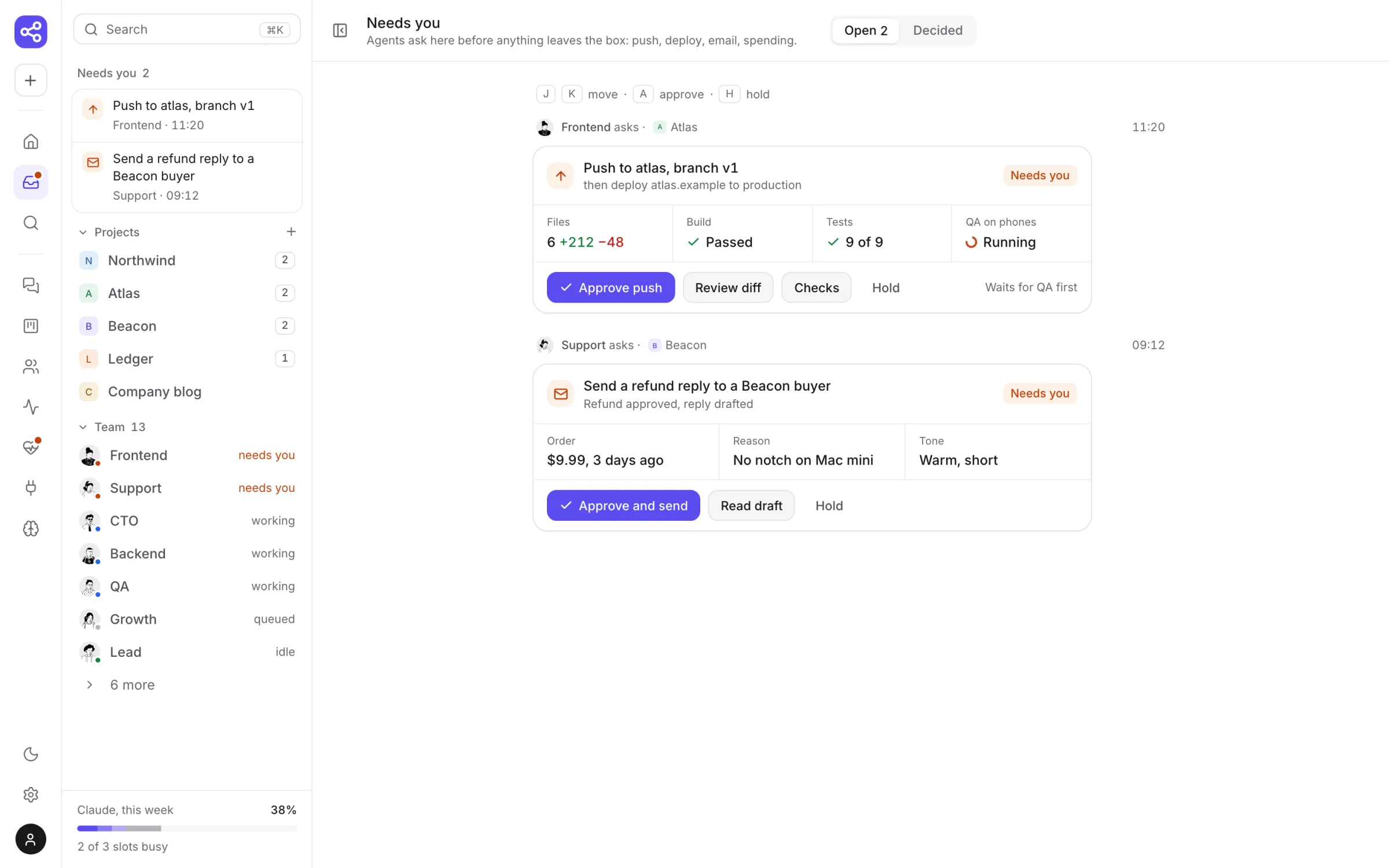
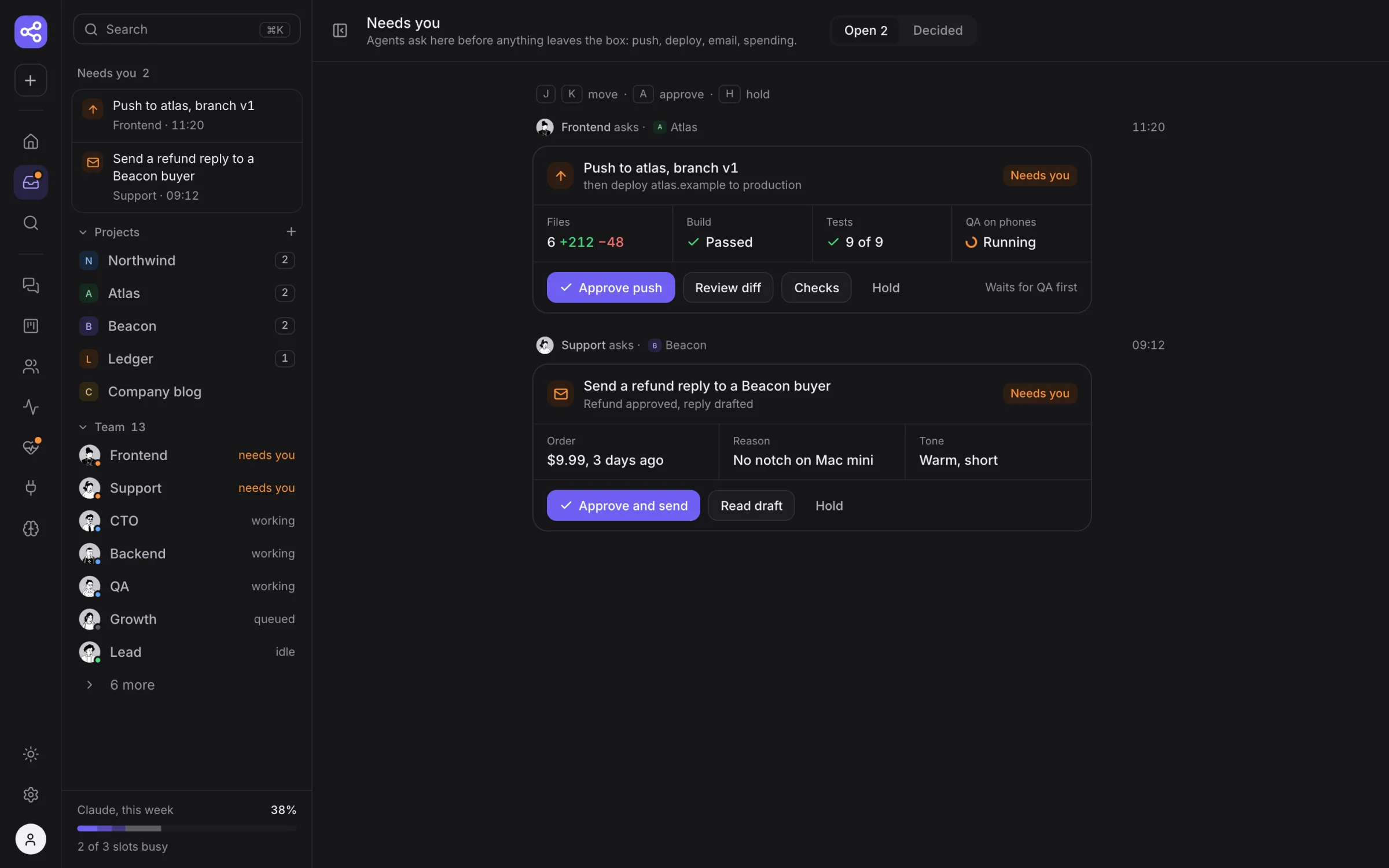
Pushes, deploys, emails and spending wait in one place, with the diff, the build and the tests. One click to approve, and a few seconds to undo.
-
5
Wake up to a clear picture
Home shows what needs you, who is working and what got done overnight, with usage against your plan's limits.

 Codex
Codex